New to Version 1.9.6: Emoji Input, Smarter Symbols, and Other Improvements
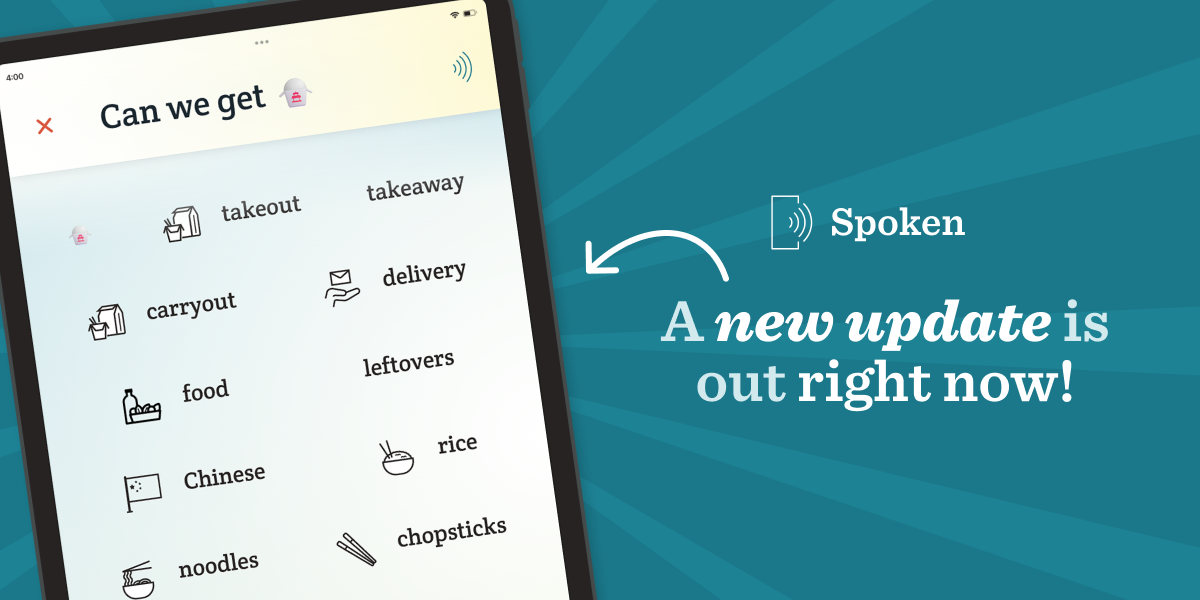
Spoken 1.9.6 just released, bringing several new features and noticeable improvements! If Spoken hasn’t updated on your device yet, you can find the latest version on your app store right now. We’re excited to share what’s new, so read on for a closer look at everything that’s changed.
Speak with Emojis
This update adds a new type of input to Spoken: emojis!
You can now enter almost any emoji to receive related words. For instance, typing 🛸 will show you terms like “UFO,” “aliens,” “flying saucer,” “abduction,” “sci-fi,” and more.
Much like Spoken’s intelligent drawing canvas, this can be helpful for users having trouble with word recall. If you ever have trouble thinking of something’s name but can still visualize it, this feature is for you. Instead of drawing it, you can now use an emoji to help Spoken figure out the word you’re looking for.
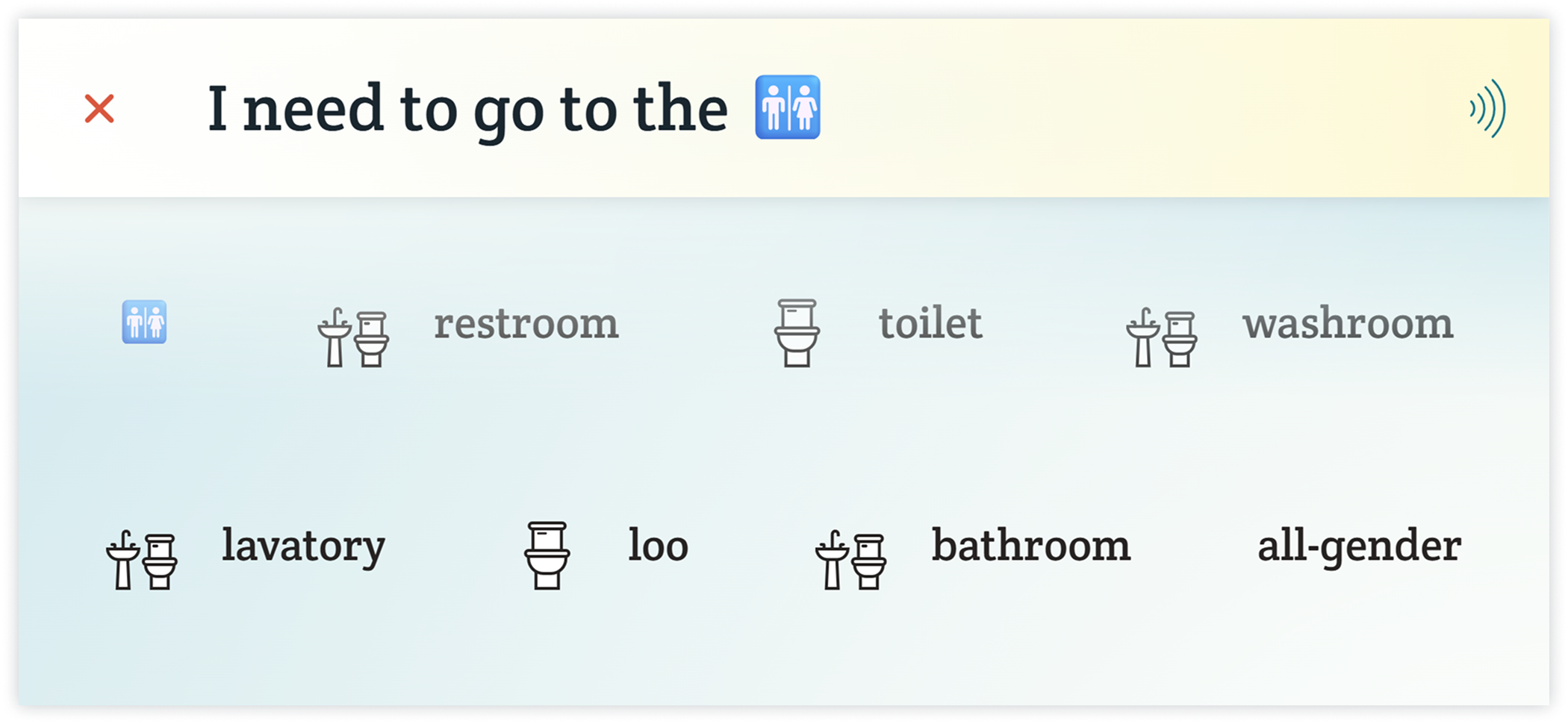
You can still use emojis normally, too. Just ignore the word suggestions and keep typing, or tap the first suggestion (which will always be the original emoji) to confirm it and return to regular next-word predictions.
Color & Contrast Improvements
Based on feedback, we’ve made several color-related updates throughout the app. The most notable of these is the footer, which now has higher-contrast icons. You’ll also notice similar changes in dark mode, particularly in the settings menu. On Android, the system status bar and navigation have been corrected to use colors that match light or dark mode.
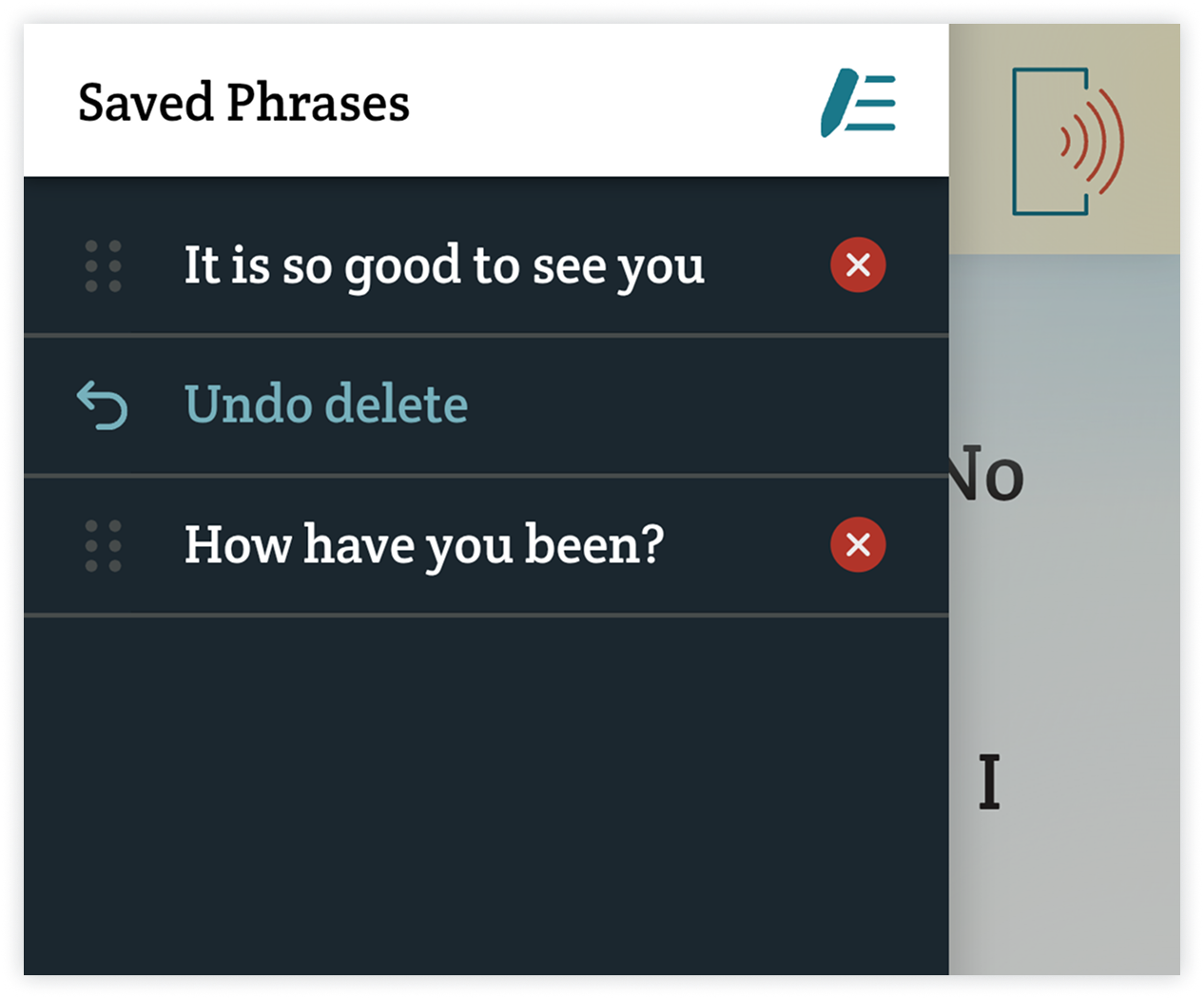
We also heard that the saved phrases menu could be difficult to use for some colorblind users, so we’ve made adjustments to improve the experience. Toggling edit mode in saved phrases now changes the entire icon, not just its color, to show that you are actively editing. The delete buttons have also been updated to be much more obvious so you don’t delete a phrase by accident.
Undo Delete
Speaking of accidentally deleting your phrases, you now have a chance to recover them before they’re gone for good. Whenever you delete a phrase, you will see an option to undo the action until you either exit the menu or turn off editing mode. After that, the deletion will be considered confirmed.
New Symbols
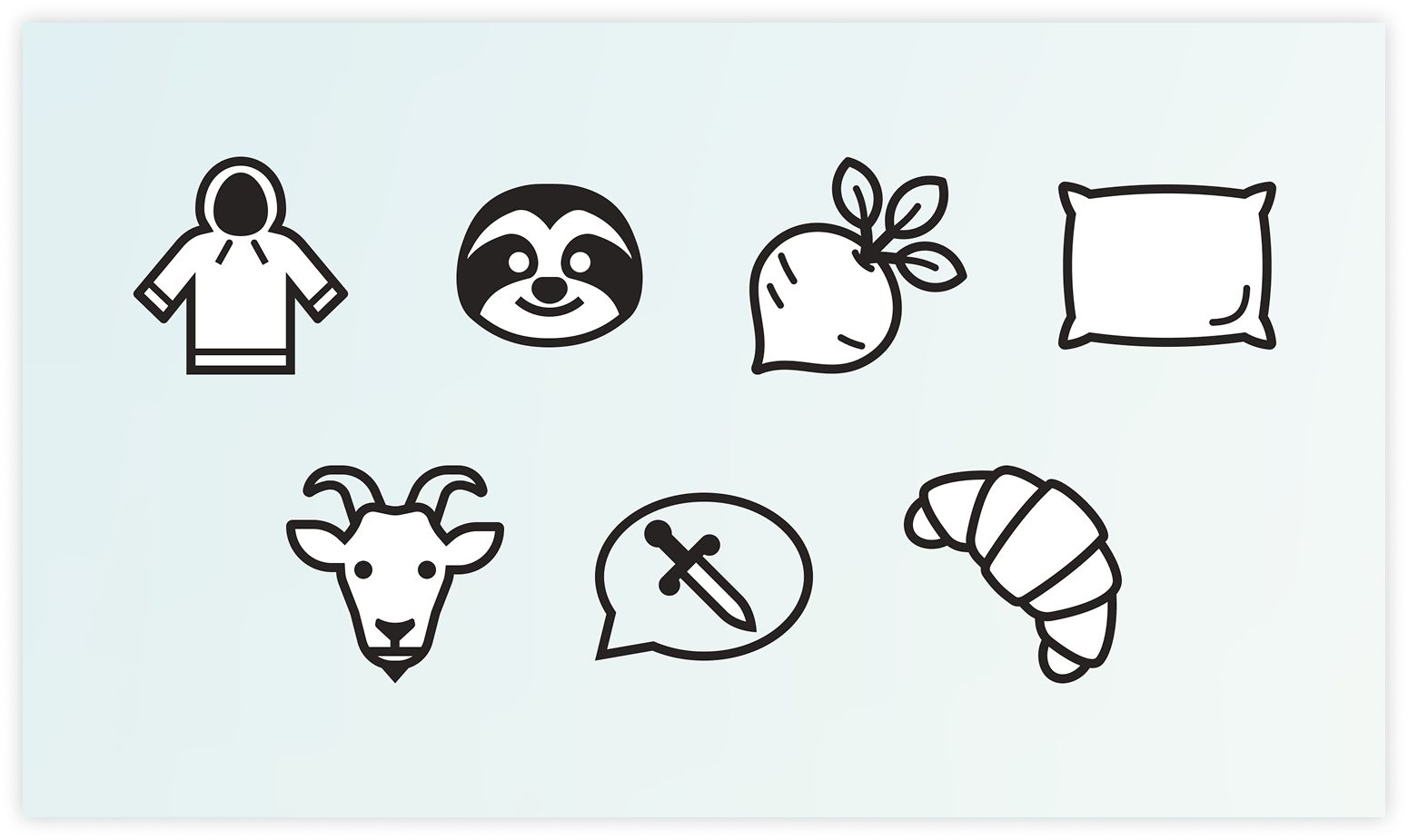
More than 100 new word icons have made their way into 1.9.6. The biggest additions span topics like clothing, animals, food, and everyday items. We also added icons for letters in the Greek alphabet, which could be useful if you want to talk about sororities, fraternities, honor societies, mathematics, or science!
Not Your Thing?
Don’t find our icons helpful? You can now disable them in settings using the “Hide Prediction Icons” toggle, found under the “Display & Accessibility” heading. Hiding icons also frees up space, allowing more predictions to fit on each line.
Smarter Icons
Usually we avoid applying icons to words with multiple, unrelated meanings. We follow this rule because it can be misleading when an icon appears in a context it’s not relevant to. Take the word “right” as an example: adding an arrow icon to it could help if you’re talking about direction (“turn right”), but it probably won’t if you’re trying to say someone is correct (“they are right”). In fact, it could cause you to skip over the word entirely!
That’s why we’re introducing a new system that allows a word to change its icon depending on the previous word. This isn’t a foolproof solution, but it lets us add icons to words we wouldn’t have before.
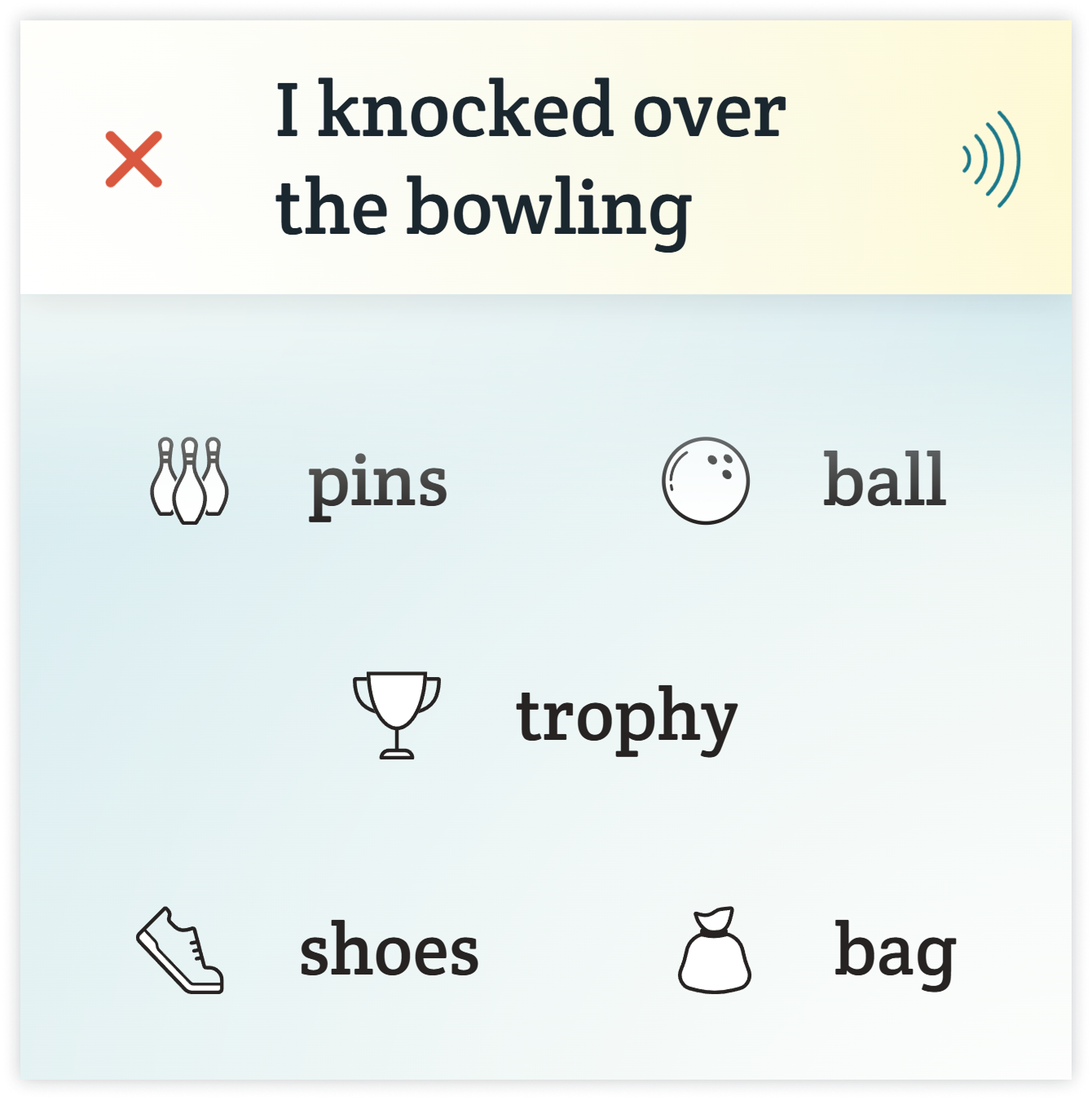
For instance, take the word “ring.” If you’re talking about a phone ringing, Spoken can show an icon representing an incoming call. If you’re talking about a wedding ring, it can show the jewelry instead. And if you’re talking about a boxing ring, Spoken can leave the icon off entirely since we don’t have a suitable one for that definition yet.
Contextual Capitalizations
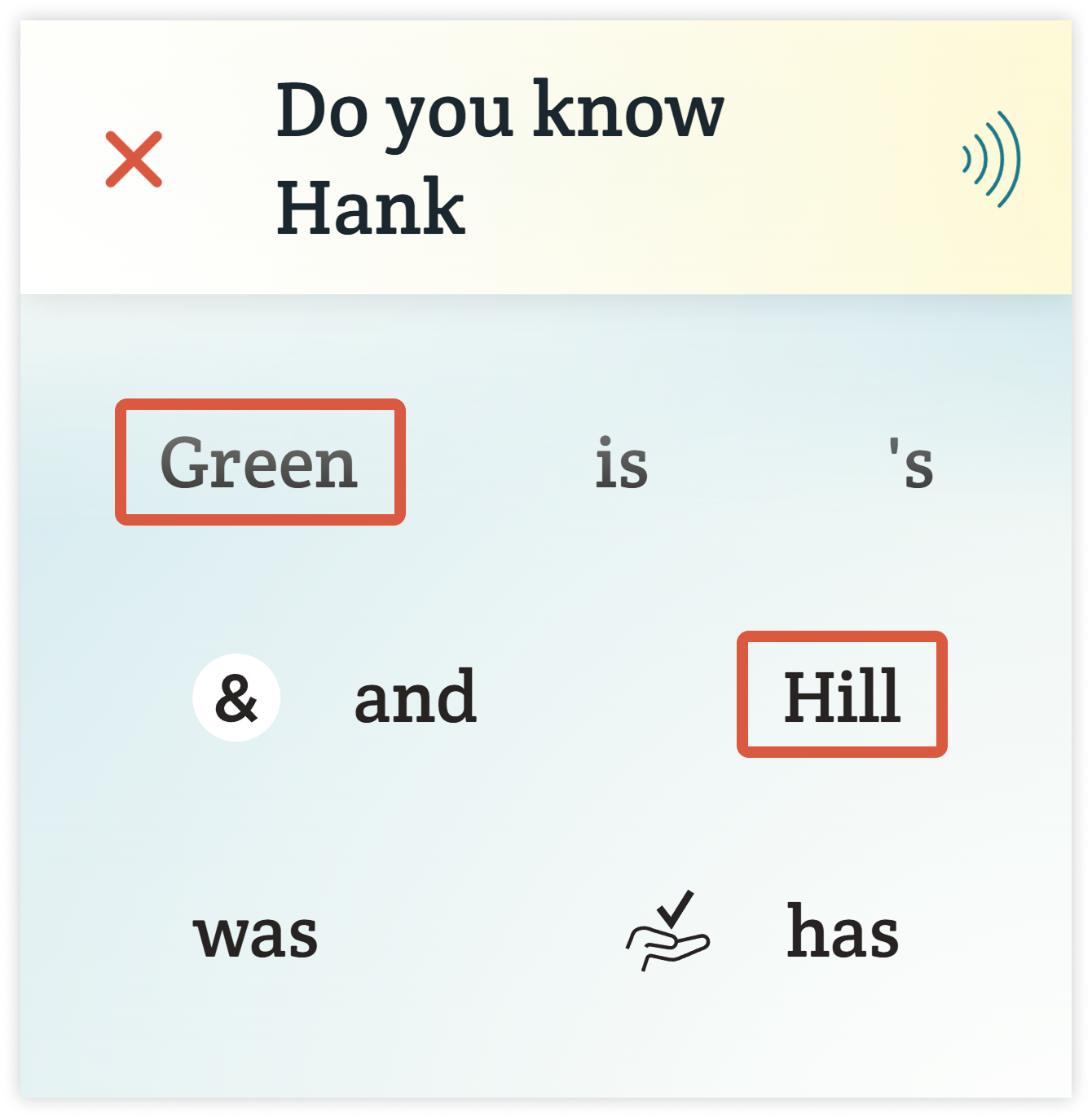
Once we had contextual icons working, we realized the same approach could solve another prediction problem: capitalization. One of the most useful applications of this is for surnames. If a prediction follows a first name or title like “Mr.” or “Doctor,” Spoken can now recognize that otherwise ordinary words like “Green,” “Baker,” or “Hill” are actually surnames and capitalize them accordingly.
Improved Spellcheck Suggestions
Spellcheck got a refresh in Spoken 1.9.6, especially for Android users. Although improvements were made for both operating systems, Android received extra attention to bring the experiences closer together. The biggest step toward achieving this was upgrading our spellcheck dictionary on Android. The most obvious benefit of this is that spellcheck now recognizes more modern terminology. The dictionary is up-to-date for 2026, with better coverage of the words people are using today.
The not-so-obvious benefit of our new dictionary is that it has fewer entries. At first, this may seem counterintuitive, but it actually makes it better suited for spellcheck. Our previous dictionary included rare or archaic terms and variant spellings. If these words were ever typed, they were far more likely to be a typo of something else than intentional. But because they were considered valid, you wouldn’t receive any suggestions to correct them. For example, if you misspelled “forward” as “froward,” you wouldn’t receive any corrections because “froward” is a real (albeit rare) word! Pruning entries like this means Spoken will offer spelling corrections more reliably.
Bug Fixes
As always, we squished a few bugs in the latest update. Most importantly, we fixed a crash that could happen if you received a call, had an alarm go off, or accessed a voice assistant. If you have ever experienced this issue, we strongly recommend updating.
Of course, there are always more bugs hiding out there! If you happen to find any more unusual behavior in Spoken, please send the details to help@spokenaac.com or use the in-app contact form. We appreciate every report!
Download the New Update
Spoken - Tap to Talk AAC version 1.9.6 is available on Google Play and the Apple App Store today. Make sure to visit your app store to upgrade so you can experience the new features and improvements.
As always, thanks for choosing Spoken!

About Spoken
Spoken is an app that helps people with aphasia, nonverbal autism, and other speech and language disorders.